
To top up a Blue Andante card in Porto, take the existing card to a ticket machine at a metro station, choose the correct zone ticket and pay. You can also use the Top Up function in the official Anda app on an NFC-capable iPhone or Android phone. With the app, you must touch the physical card to the phone both before and after payment so the new ticket is written to it.
The Blue card is reusable for occasional single journeys and Andante 24 zonal tickets. You do not need to buy a new €0.60 card each time. Andante Tour 1 and Tour 3 use a different, non-rechargeable card, while regular monthly passes normally belong on a Silver Andante card.
This guide focuses on the loading process, balance checks and mistakes that can leave you at a validator with no usable ticket. For zone selection and pass comparisons, use the linked PortoGuru guides rather than guessing from the number of metro stops.
Where can you top up an Andante card?
For a visitor with a Blue card, a metro station ticket machine is the most straightforward choice. The official Anda Top Up function is useful when you have a compatible phone and can complete the card-writing step. Andante shops and CP ticket offices that sell Andante can help when a card is damaged, a transaction is stuck or you are unsure which product to load. See official Andante sales points.
| Option | What you need | Best for |
|---|---|---|
| Metro or participating CP station machine | Existing Blue card and the payment method accepted by that machine | A simple, immediate reload and balance check |
| Anda Top Up on iPhone or Android | Physical card, compatible NFC phone and payment method | Loading away from a station; second card tap is essential |
| Andante shop or CP office with Andante sales | Physical card and trip details | Help with the right product or a problem card |
How do you top up at a Porto metro ticket machine?
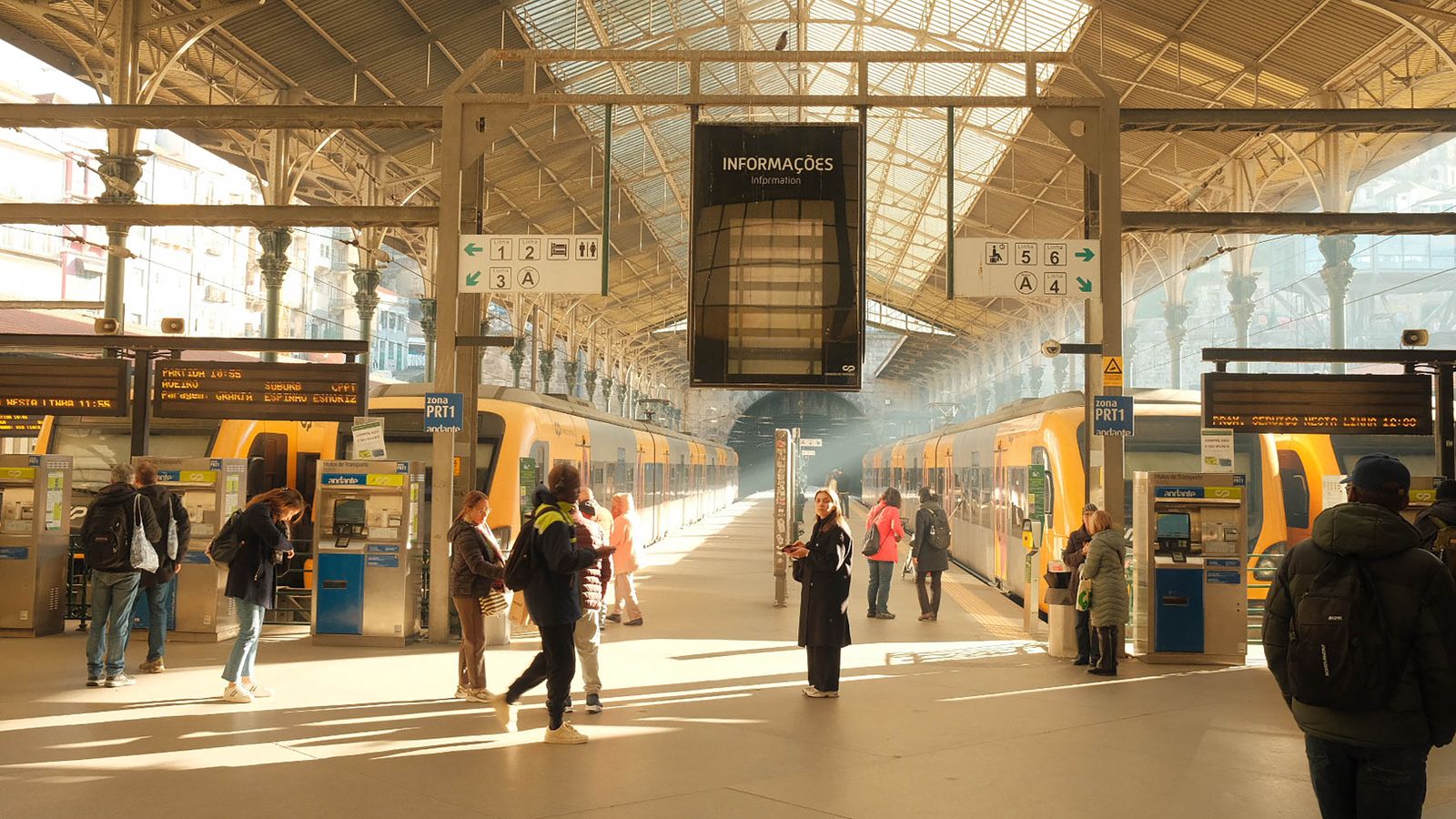
Use an Andante sales machine, not the validator where you tap before travel. The operator lists automatic vending machines at metro and participating CP stations. At São Bento, for example, the railway hall has Andante-branded machines; the metro station also has its own ticketing facilities. The screens and available payment methods can vary, so follow the prompts displayed on the machine in front of you. See which zone ticket your Porto route needs and the official Andante validation rules.
- Work out the zone ticket for your next journey. Use the Andante journey planner or zone map when the route is unfamiliar; an airport trip may need a different zone from a short central ride.
- Insert or present your existing Blue Andante card as the machine instructs. Read the current balance and check that this is the card you intend to use.
- Select a single occasional ticket or an Andante 24 ticket, then choose its zone and the number of tickets required. Check the product and total before paying.
- Pay using an option actually offered on that machine. Wait for its success confirmation and take back the card and any receipt; do not leave before the operation finishes.
- Before boarding, validate the loaded card at a station reader. A green signal confirms a valid tap; buying or loading alone does not start a journey.
How do you top up an Andante card with your phone?
Download the official Anda app and choose its Top Up function. Andante says this card-recharge feature works on iOS and Android and can be used without a registered travel-app account. It is different from using an Android phone itself as the travel ticket: an iPhone Top Up still requires the physical card for your journey.
The second phone tap matters more than the payment confirmation. Andante's instructions say to bring the card back to the rear of the phone after paying so the purchased ticket is recorded on the chip. A payment that appears successful while this final write is pending is not proof that the card is ready to travel. See Andante's official Anda Top Up instructions, Get the official Anda iPhone app and Get the official Anda Android app.
- Open Anda Top Up and hold the Blue Andante card against the phone's NFC area until the app reads it. If it does not scan, move the card slowly around the back of the phone and keep it still when detected.
- Choose the occasional ticket and zone you want to load. Review the number of journeys, the amount and any existing ticket balance before confirming.
- Enter invoice details only if you need them, select an available payment method and wait for the app's payment confirmation.
- Present the same Andante card to the phone again. Hold it there until the app confirms that the new ticket has been written to the card.
- Check the card balance in the app or at a station machine, then validate the physical card before boarding. If the app shows a pending operation, complete that operation before treating the recharge as finished.
Which ticket should you load onto a Blue Andante card?
A Blue card holds occasional single journeys and zonal Andante 24 tickets; it is not a monthly-pass card and serves one traveller at a time. In the 2026 tariff, a simple Z2 costs €1.40, Z3 €1.85 and Z4 €2.30. A Z2 or Z3 single ticket allows one hour from first validation, while Z4 allows one hour and 15 minutes. These are examples, not a substitute for checking the zones of your actual route.
Choose a ticket that covers the whole journey from your first validation, including any zones crossed on a transfer. Loading two Z2 tickets does not automatically make one Z4 journey: a second ticket is normally consumed only after the first one's time expires. If you already have Z2 tickets but need Z3 for the next ride, Andante says you can add the Z3 and the most recently loaded ticket is used first, leaving the older Z2 in balance.
If you expect repeated rides within one zone range over a full day, compare Andante 24 with several single tickets. If you want all-zone tourist travel, the separate Andante Tour may suit you, but that card cannot be recharged. The 2026 Andante tariff also gives one extra identical simple ticket when you buy ten at once; buy that many only if you will use them during the card's validity. See Blue Andante, Andante 24 and tourist passes, Andante's official zone rules and the official 2026 fare table.
How do you check the balance and expiry date?
At an Andante ticket machine, insert the card and read the ticket balance on screen before choosing a new purchase. An Andante shop can also check what remains. The validator shows remaining balance after a successful validation, but a station machine is the better place to inspect the card before deciding what to buy.
The Blue card's top-up validity is one year. Once that period has expired, Andante says you cannot load new tickets onto it, although tickets already on the card may still be used for the following 12 months. This is a card limit, not an instruction to discard an otherwise usable ticket. Ask an Andante shop about a replacement if you need to keep travelling after expiry. See Andante's card and balance FAQs.
What if you paid but the recharge is still pending?
First, check whether you completed the second phone-to-card tap. If the Anda app shows a pending operation, open it and follow its instruction to write the purchase to the same physical card. Keep the card still against the phone's NFC area until you receive the final confirmation. Do not buy the same ticket again immediately just because the card balance has not changed.
If the app cannot finish the write, keep the payment record and contact Andante support or visit an Andante shop with the card and phone. For a time-sensitive departure, obtain a separate valid ticket through an official sales channel; never rely on a pending purchase as proof of travel. A damaged or unreadable card also needs staff assistance rather than repeated purchases. See an Andante shop or sales point.
What should you do before boarding?
Check that the card now contains the correct ticket for your route and validate it before the first metro or eligible train. On a bus, validate at the entrance. Validate again when you change line or vehicle; if you are still inside the ticket's time and zones, that transfer does not require buying a new journey.
If the reader flashes red, read its message and resolve it before travelling. A bank-card contactless reader, an Andante ticket machine and an Andante validator do different jobs. The separate bank-card travel pilot does not load an Andante card. When your route or payment method is uncertain, use the PortoGuru payment guide to choose the right product before you board. See how to pay for Porto metro and buses and a metro arrival from Porto Airport.

Useful answers
FAQ - How to top up andante card
Yes. The Anda Top Up function is available for compatible iPhones. It reloads a physical Andante card: scan the card, pay and scan it again to write the ticket. It is separate from using a phone as your travel ticket.